1miba Login for India Account Access
Your 1miba login opens Turbo Blackjack, Rise of Egypt, Football Strike and Crash Game from one account, with session checks that keep your access tied to your verified…
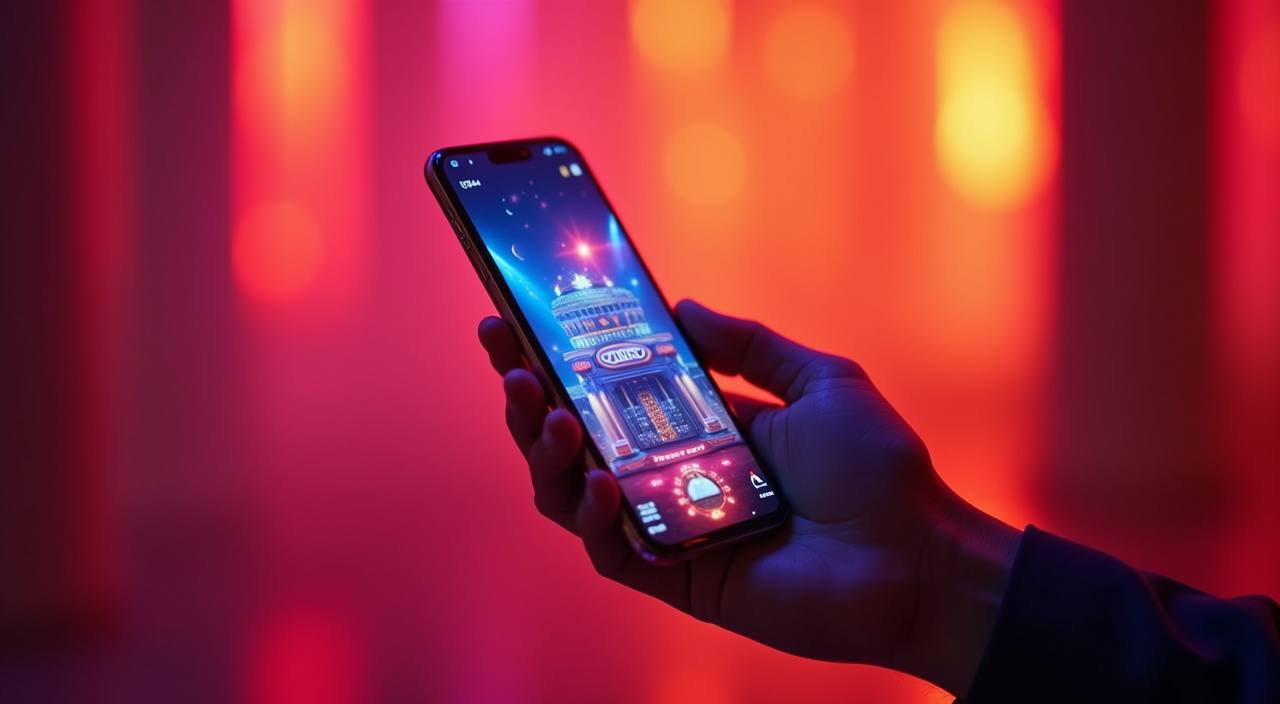
Four Checks Around Your Login
When you open the 1miba login page, we ask for the details that connect your session to your account record. New account creation keeps the same flow clear: enter your mobile or email, set your password, confirm the code we send, and complete any identity step requested on screen. Returning to the lobby is shorter.
Add your login details, pass any security prompt, and we take you back to the account area linked to your saved profile.
-
Verified account setup Your first login creates a profile we can check against your contact details. That helps us recover access, confirm account ownership, and keep the lobby tied to the same person each time.
-
Encrypted sign in The login form runs through encrypted pages, so your password and session tokens are handled inside a protected connection. We also close idle sessions to reduce access from shared devices.
-
Single lobby entry After sign in, your account opens the live tables, slots and sportsbook areas from one menu. You can move between Turbo Blackjack, Bingo and Football Strike without signing in again.
-
Recover access quickly If you forget your password, use the reset option on the login screen. We send a code to your registered contact point before allowing a new password to be saved.
Your details are protected with encrypted, secure access.
UPI Paytm PhonePe Inside Login
Your wallet options appear only after your account session is active, so the cashier can connect each request to your verified profile.
Three Help Paths for Account Access
Account access problems usually fall into a few clear cases: a password reset, a code that has not arrived, or a verification hold after a new device appears.
Six Safety Signals at Login
The login page is where we check whether your session should continue, pause, or ask for more proof.
Encrypted form pages
Your login details are entered on protected pages, and we avoid asking for your password through support channels. If a message asks for it outside the form, treat it as unsafe.
Identity verification
We may request identity checks when you create an account, recover access, or change sensitive details. These checks help us keep one account tied to one verified person.
Device awareness
A new phone, browser or location pattern can trigger an extra prompt at login. This does not always mean there is a problem; it helps confirm the request is yours.
Session timeout
If you leave the login session idle, we may ask you to sign in again before showing wallet or account settings. Shared phones and public networks need this extra caution.
Data handling
Account details collected during login are used for access, verification, wallet checks and support. We keep the fields limited to what the account process needs at that step.
Law-aware access
Availability can differ by region in India. When access or eligibility is discussed, it depends on local law and is available where local law permits.
Questions About 1miba Login
Use these answers when you are creating an account, returning to the lobby, resetting a password, or checking why a login step has paused. Each answer is about the 1miba login flow, so you can act without searching through unrelated pages. If your screen shows a different prompt, follow that prompt first and contact support if it does not clear.